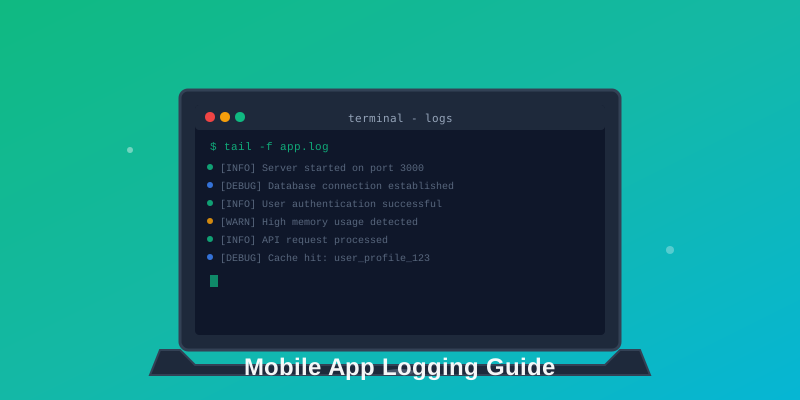
What is Mobile App Logging?
Mobile app logging is the practice of recording events, errors, and user actions that occur within your mobile application. Think of it as your app's flight recorder—capturing everything that happens so you can understand user behavior, debug issues, and monitor performance even after your app ships to production. Modern mobile logging platforms make this process seamless with SDKs for iOS, Android, React Native, and Flutter.
Why Mobile Logging Matters
🐛 Debug Production Issues
Reproduce and fix bugs that only happen on specific devices or in production environments you can't access directly.
📱 Understand User Behavior
See what features users actually use, where they get stuck, and which flows lead to conversions or abandonment.
⚡ Monitor Performance
Track API response times, screen load durations, and resource usage to keep your app fast and responsive.
🔒 Security & Compliance
Create audit trails for sensitive operations and demonstrate compliance with data protection regulations.
Log Levels Explained
Detailed diagnostic information
Use for development only. Example: "User pressed login button with email: user@example.com"
General informational messages
Track normal app flow. Example: "User logged in successfully"
Warning messages for potentially harmful situations
Not errors but need attention. Example: "API response took 3 seconds"
Error events that still allow app to continue
Recoverable failures. Example: "Failed to load profile image, using placeholder"
Critical errors causing app crashes
Unrecoverable failures. Example: "Out of memory exception"
Basic Implementation
iOS (Swift) Example
import os.log

class Logger {
    static let shared = Logger()
    private let logger = OSLog(subsystem: "com.yourapp", category: "general")

    func info(_ message: String) {
        os_log("%{public}@", log: logger, type: .info, message)
    }

    func error(_ message: String) {
        os_log("%{public}@", log: logger, type: .error, message)
    }
}

// Usage
Logger.shared.info("User opened profile screen")
Logger.shared.error("Failed to fetch user data: \(error.localizedDescription)")
Android (Kotlin) Example
import android.util.Log

object Logger {
    private const val TAG = "MyApp"

    fun info(message: String) {
        Log.i(TAG, message)
    }

    fun error(message: String, throwable: Throwable? = null) {
        Log.e(TAG, message, throwable)
    }
}

// Usage
Logger.info("User opened profile screen")
Logger.error("Failed to fetch user data", exception)
Best Practices for Mobile Logging
1. Never Log Sensitive Data
Don't log passwords, credit cards, API tokens, or personal identifiable information (PII). Use redaction or hashing for identifiers.
❌ Bad:
log("User logged in with password: 12345")
✓ Good:
log("User logged in successfully")
2. Add Context to Every Log
Include user ID, session ID, device type, and app version. Makes debugging exponentially easier.
3. Use Structured Logging
Log events as structured data (JSON) instead of plain text. Enables powerful querying and filtering.
{"event":"purchase","user_id":"123","amount":29.99,"currency":"USD"}
4. Be Mindful of Performance
Excessive logging can impact app performance and battery life. Batch logs and send asynchronously.
5. Don't Log Everything
Focus on critical user flows, errors, and performance metrics. Too much noise makes important events harder to find.
Start Logging with Logtrics
Logtrics makes mobile logging simple with:
- ✓ One-line SDK integration for iOS, Android, and React Native
- ✓ Automatic PII redaction to keep sensitive data out of logs
- ✓ Real-time log streaming see events as they happen
- ✓ 365-day retention for long-term debugging and analysis
Conclusion
Mobile app logging is your window into how users actually experience your app. Start simple with the basics—log errors, critical user actions, and key performance metrics. As you get comfortable, expand to more sophisticated logging strategies that help you build better products. For a deeper dive, check out our complete guide to mobile logging.